
Step-by-step guide
I trained an AI agent to market my app: 5.4M+ views. The full playbook
Three slideshows built with this workflow passed 5.4 million views combined. Here is exactly how the system works, step by step.
1. Start with the results
Over just a few days, three posts made with this system reached 2.3M, 2.0M and 1.1M views. They didn’t come from three different strategies, but from one repeatable process: spot formats that already perform, understand what makes them work, adapt them to the app, produce new versions and test at scale.
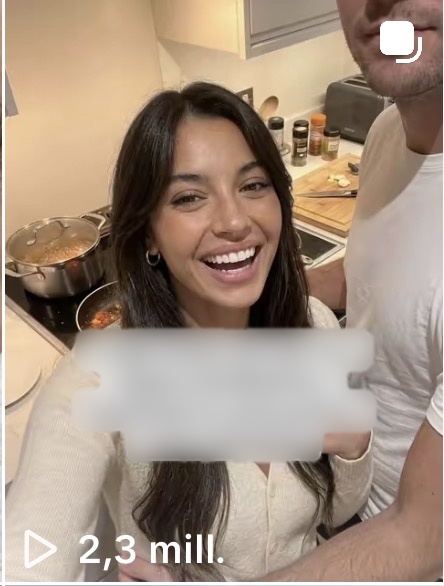
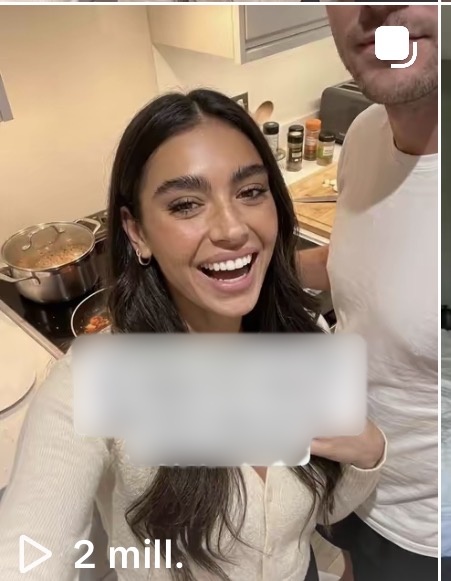
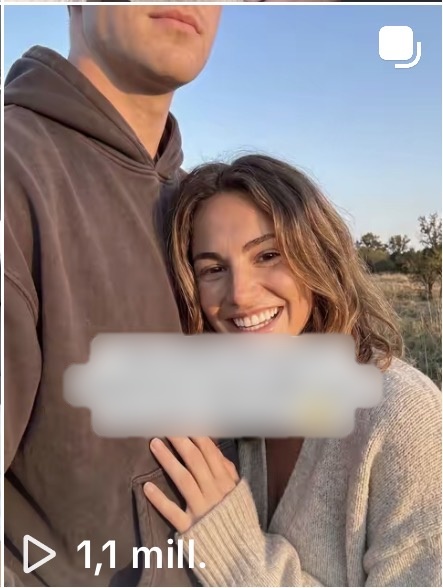
That process is what the agent, named Joe, was trained on. Joe runs on Dots, an OpenAI agent. The goal was never to ask AI for random ‘viral ideas’, but to hand over a proven method and let the agent take on more of the repetitive work over time. The human still reviews and decides everything that gets published.
2. Create the agent and teach it the job
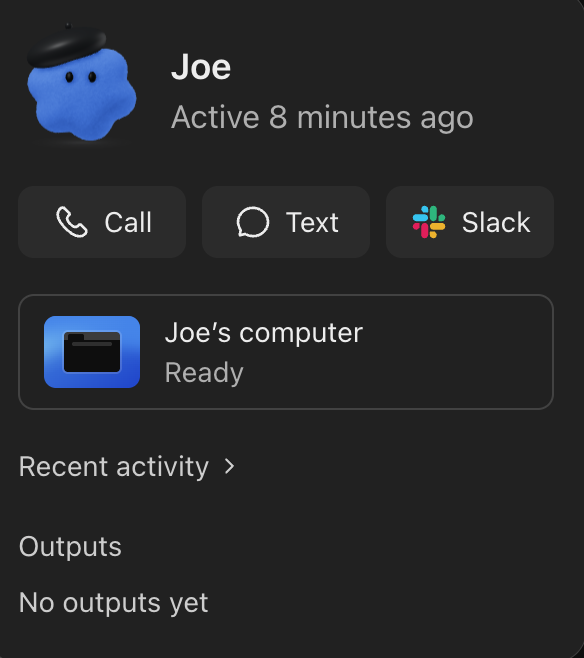
Joe isn’t a general assistant. His role is narrow: find content that already works, explain why, and turn those patterns into content that can actually be produced.
Send a job description first
Before any task, the first message defines the whole system. Joe works in three linked phases: research (real viral TikToks, slideshows first), analysis (hook, pacing, on-screen text and its placement, composition, pose, emotion, audience, CTA) and construction (slide-by-slide copy, visual notes, captions and hooks adapted to the product). Slideshows are preferred over video unless asked otherwise.
Train it while working
One giant prompt is not enough. Most of the training happens in the work itself: when Joe misreads a post, focuses on the story and ignores the visuals, or drifts away from the original hook, he gets corrected with a precise explanation. Little by little, he learns the same small decisions a human makes after testing hundreds of posts.
3. Give the agent its own TikTok account
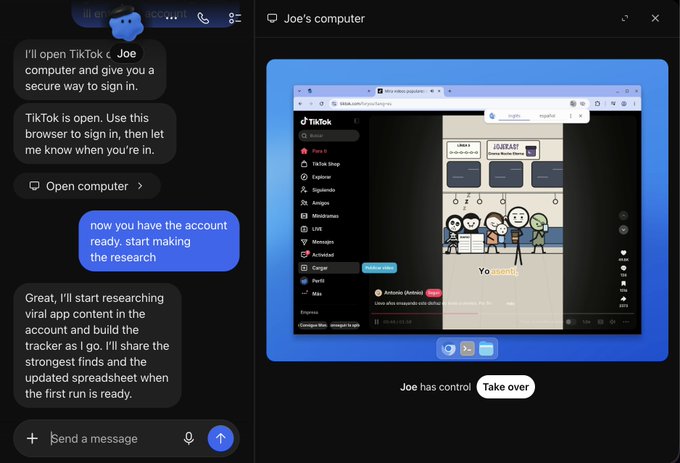
Joe has his own computer. You can watch what he does at any time, and take over when needed. Create a TikTok account just for him, log in once on his machine, then hand control back. That account becomes his research environment.
From there, a single instruction is enough: start researching viral app content, focus on formats that can realistically be reproduced, especially slideshows, save the strongest references and note why each one works. Joe browses TikTok himself and studies real posts instead of guessing what might go viral.
No need to keep your laptop open
Joe’s computer is separate from yours. Close your MacBook and he keeps working in the cloud. The aim is continuous research: instead of spending your first hour scrolling, you open his activity and only review the most promising finds.
4. Review what the agent finds
Decide how much research you want: 10, 20 or 50 videos. Or make it a routine, for example every morning at 8:00, find 20 new viral posts about apps or formats that could be adapted to an app, and organize them for review.
Check daily at the start
Joe is still learning what you consider useful. When something off-brief slips in, like a post with no app involved, don’t just delete it: tell him why it doesn’t belong. Early corrections mean much cleaner results later.
Organize the library however you want
By niche, format, view count (10M+, 1–3M, below), hook style, slideshow vs video, emotional angle, product type or how easy it is to reproduce. Random scrolling becomes a searchable library that keeps updating itself.
5. Rebuild a winning slideshow around your app
Pick the reference
Send Joe the exact TikTok and ask for a 1:1 adaptation to your app.
The master prompt does the heavy lifting
The real quality comes from a long operating prompt written beforehand. It packs years of organic content testing: what to preserve from the original, what can change, how to handle visuals, hooks, pacing, text placement, product integration, and how to make it feel native instead of like an ad.
Give it your real assets
Give Joe access to the desktop folder with your app screenshots. He uses the real screens instead of the ones in the original post, so the result is accurate and usable. Images are generated with Nano Banana Pro.
Get files, not descriptions
Ask Joe to drop the finished slides in a folder on your desktop so you can review each slide like a real post.
6. Turn one good format into several
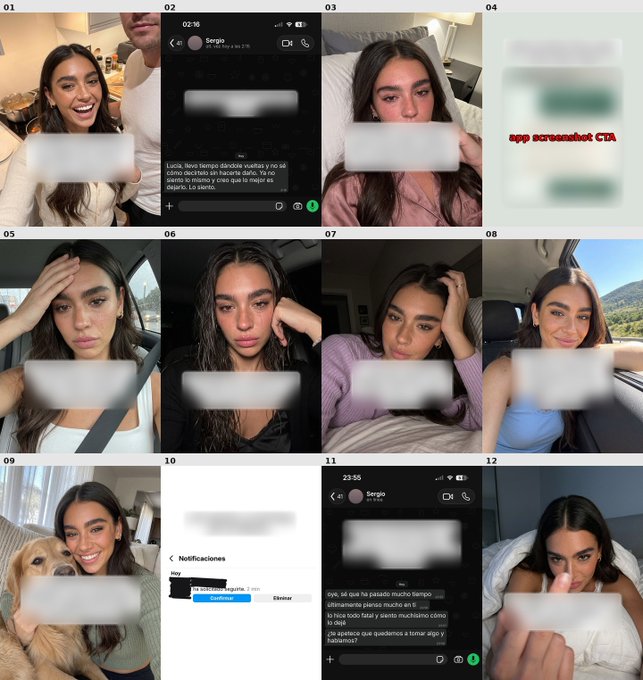
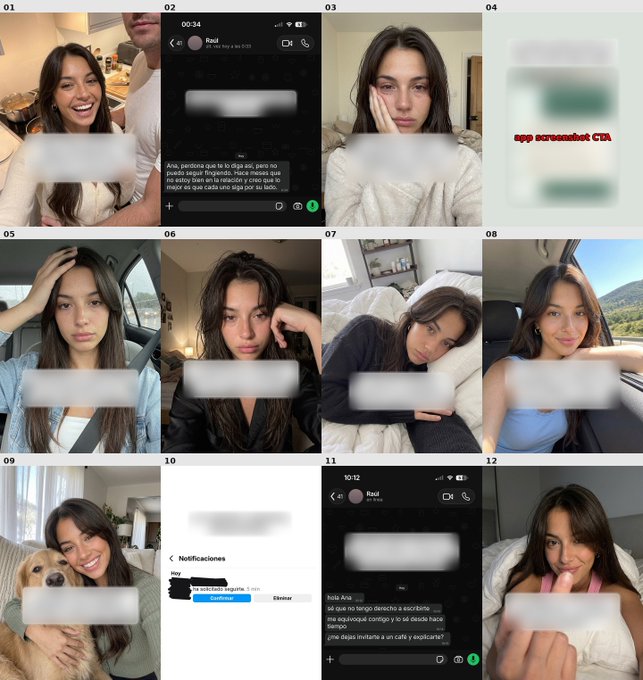
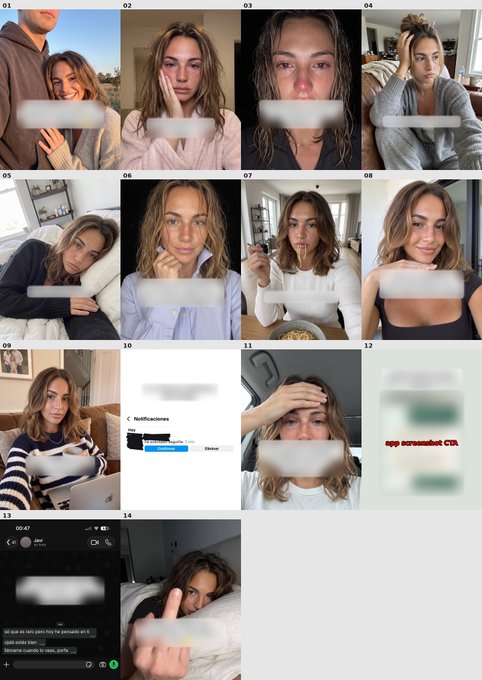
When the first version is good, ask for more, keeping the same structure: for example, two more variations with a different scenario, hook and story, so each feels like its own post.
What changes: the opening hook, the person or situation, the story, the emotional angle, the wording, the way the app appears. What stays: the mechanism that made the original work. One strong format becomes several tests across accounts, without restarting the creative process.
7. Schedule everything with Postiz
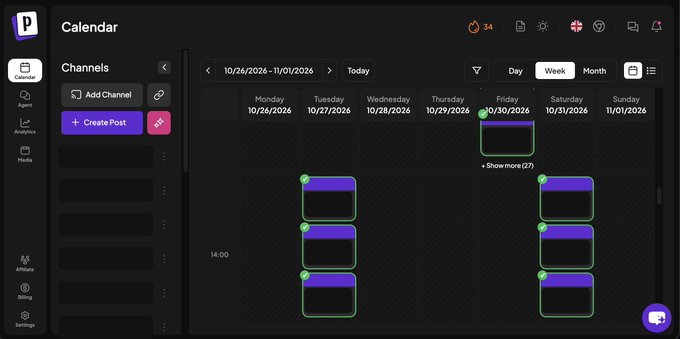
Once the slideshows are ready, they go into Postiz. Upload the assets, choose the accounts, and place everything in the calendar.
Spread posts across days and accounts, avoid publishing the same format too close together, and keep all distribution in one place. You still check the schedule before anything goes live, but you no longer have to remember what goes where and when.
This matters most once Joe produces several variations of a winning format: batch everything, schedule it, and move on to the next piece.
8. The results
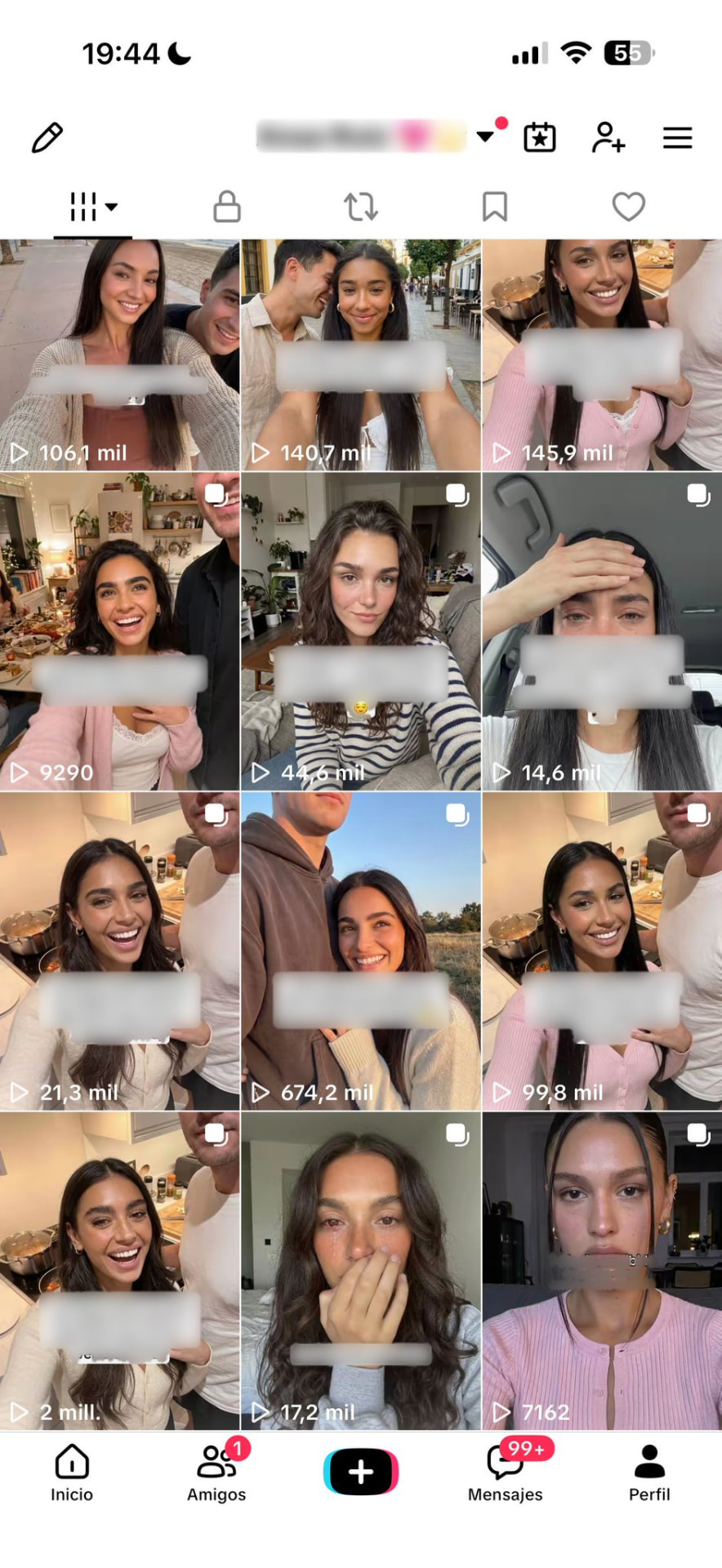
After publishing, several formats Joe researched and adapted reached millions of views, and the account grew fast. None of these were random ideas: they all came from the same process.
That’s why a repeatable system beats trying to predict which post will go viral. One post underperforms, a near-identical variation breaks out. The goal is to keep shipping enough strong tests, and this workflow does that with far less repetitive work.
9. What should stay manual
Never let the agent post on autopilot. AI still makes mistakes: wrong text, slightly off composition, broken screenshots, odd hands, even a person with three arms. Easy to catch in review, costly once published.
And don’t expect one prompt to do it all. Give clear instructions, test, correct, make the prompts more specific, repeat. That trial and error is where the value is. What stands out with Dots is how well the agent takes corrections: point out one thing, explain why, and it usually gets it without rebuilding everything.
Keep the judgment, the final review and the decisions that matter. Let the agent take more of the repetitive work around them.
10. The complete system
The complete system
- 1.Joe has his own computer and his own TikTok account.
- 2.He researches viral formats on his own, even when your laptop is closed.
- 3.He saves and organizes the best references however you want.
- 4.He rebuilds the chosen format around your app, with your real screenshots.
- 5.He creates variations of every winner.
- 6.You review, then schedule everything in Postiz.
Every step could still be done by hand. The difference is you no longer have to do all of it yourself: you decide what’s worth testing, Joe handles the repetitive work, and Postiz handles distribution.